
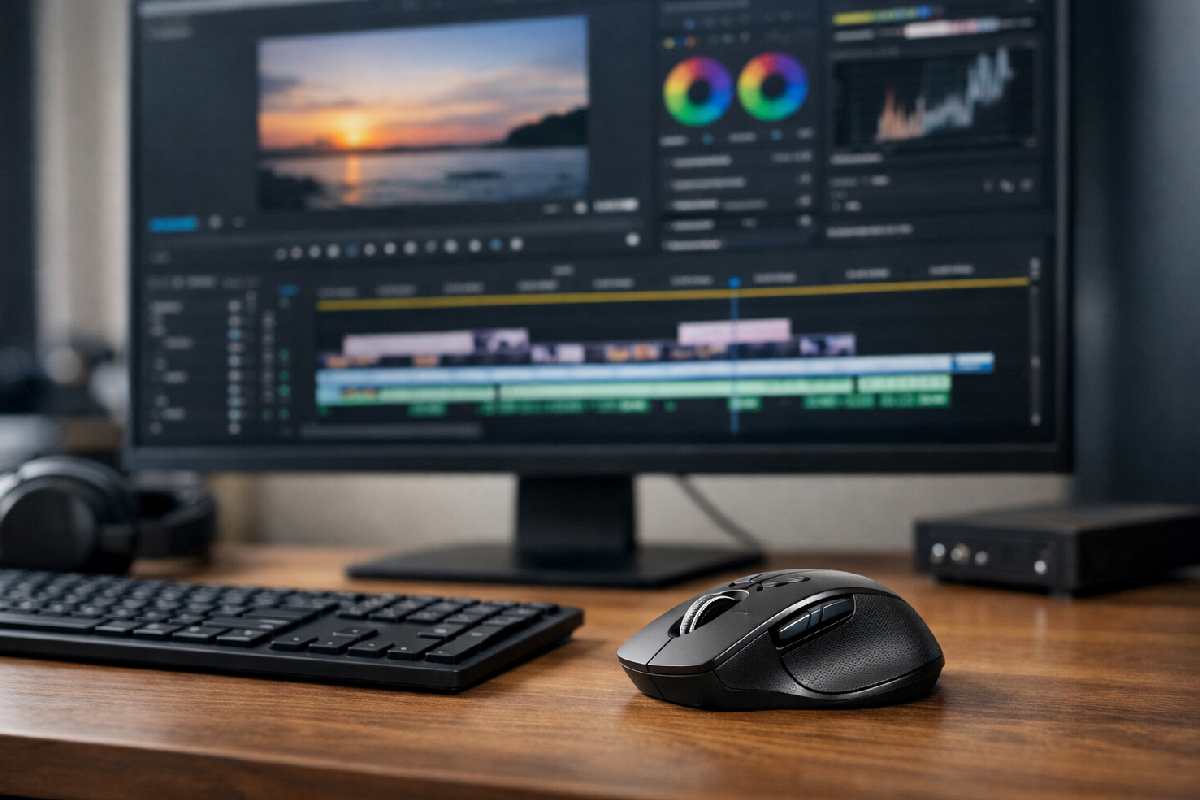
Choosing the best mouse for video editing isn’t about buying the most expensive model—it’s about selecting one that fits your editing workflow, setup, and comfort needs.
Table of Contents
Quick Answer
The best mouse for video editing is one that offers comfortable ergonomics, customizable buttons, reliable precision, and software support for your operating system. Editors benefit most from mice that reduce repetitive strain and allow shortcut mapping, rather than from gaming-focused speed features.
Key Takeaways
- Editing workflows value comfort and customization over raw speed
- Not all “best” mice suit every editor or setup
- Price does not always equal productivity gains
- Understanding limitations prevents regret
Who This Guide Is For
This guide is designed for:
-
- Video editors comparing options before buying
- Beginners unsure which features matter
- Editors working long hours who value comfort
- Mac and Windows users seeking compatibility clarity
It is not intended for users looking for deals, discounts, or gaming-only recommendations.
What You’ll Learn From This Guide
By reading this guide, you’ll learn:
- Which mouse features actually improve video editing workflows
- How to compare productivity, gaming, and ergonomic mice for editing tasks
- What trade-offs exist at different price levels
- Which mouse types suit beginners, professionals, and long editing sessions
- How to avoid common buying mistakes that don’t add real value
The goal is to help you decide confidently, without relying on marketing claims or unnecessary technical jargon.
What Actually Matters in a Mouse for Video Editing
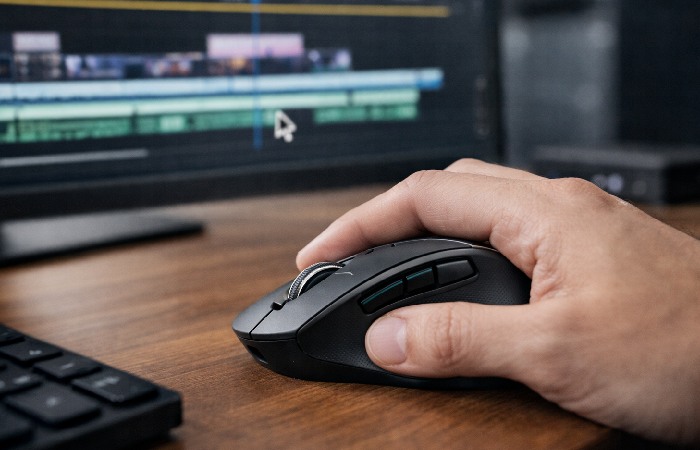
In practice, editors care most about how a mouse supports timeline navigation, precise trimming, and avoiding fatigue over long sessions, which aligns with advice from professional workflow resources like Jonny Elwyn’s film and video editing guides.
Buttons & Customization
Extra buttons are useful only if they can be mapped to editing shortcuts. Editors benefit most from programmable buttons that can handle tasks like timeline scrubbing, cutting, or switching tools.
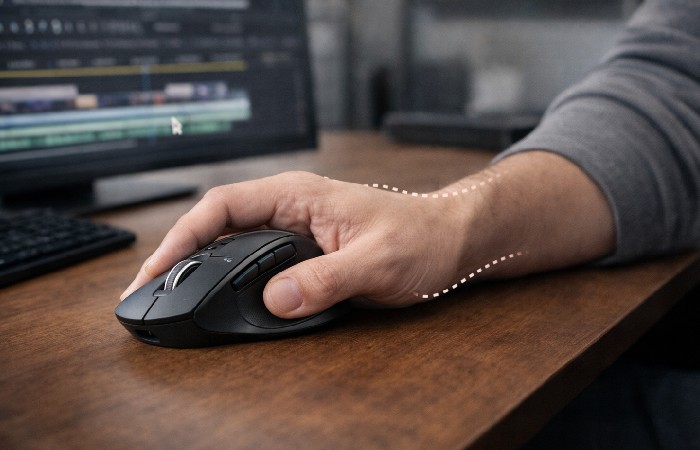
Ergonomics for Long Editing Sessions
Comfort is critical for editors who work for hours at a time. Shape, grip style, and hand size compatibility matter more than design aesthetics.
Precision vs Speed
High DPI numbers are often marketed heavily, but video editing prioritizes control over speed. Stable cursor movement is more important than extreme sensitivity, a distinction highlighted in independent testing and reviews from sources such as RTINGS.
Wireless vs Wired
Wireless mice offer desk flexibility and cleaner setups. Wired mice remove battery concerns. Both can work well if connection stability is reliable.
Video editing benefits most from mice designed around real-world comfort, button layout, and reliable tracking rather than just gaming-style specs, which is reflected in how leading manufacturers position their productivity and creative-focused models, such as those in the Logitech mouse lineup.
Best Mouse Types for Video Editing (By Use Case)
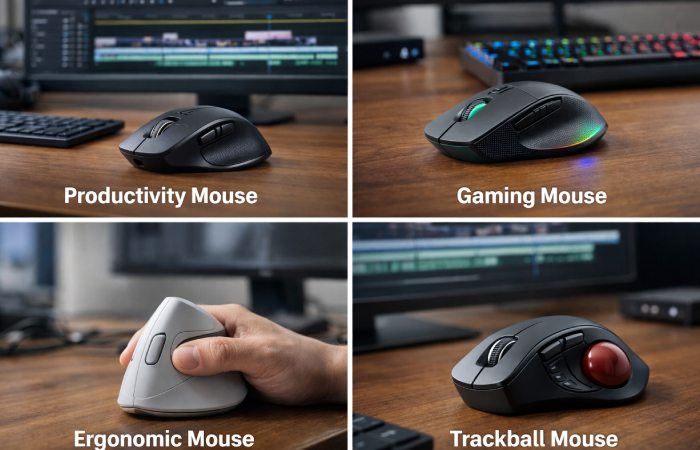
Productivity Mice
Designed for office and creative work, these prioritize comfort, scroll control, and customization.
Gaming Mice Used for Editing
Gaming mice offer precision and responsiveness, but their shapes and features are not always ideal for long editing sessions.
Ergonomic & Vertical Mice
These reduce wrist strain and are suitable for editors with discomfort or repetitive strain concerns.
Trackballs
Trackballs minimize arm movement and suit specific workflows, but they require an adjustment period.
Price Ranges — What You Get at Each Level
Budget Range
Basic functionality, limited customization, suitable for casual or beginner editors.
Mid-Range
Better ergonomics, software customization, and more reliable build quality.
Premium Range
Advanced comfort, extensive button mapping, and refined scroll or control mechanisms.
Higher price does not automatically mean better editing performance—it depends on fit and use case.
Limitations & Trade-Offs You Should Know
- Some mice rely heavily on proprietary software
- Customization may differ between operating systems
- Ergonomic designs may feel unfamiliar at first
- Extra buttons can increase learning time
Understanding these trade-offs helps avoid mismatched purchases.
How to Choose the Right Mouse for Your Editing Setup
A stable, fast connection is also important if you use cloud-based tools or upload frequently, and providers like BuyTVInternetPhone can help you compare internet packages that suit an editor’s workflow.
Editors who work with large media files or online collaboration tools may benefit from higher-speed plans such as Spectrum packages to keep uploads, downloads, and previews responsive.
Use these criteria:
- Match the mouse to your editing duration
- Prioritize comfort over feature count
- Check software compatibility with your OS
- Choose based on workflow, not marketing terms
- Stay within a realistic budget range
Common Mistakes When Choosing a Mouse for Video Editing
- Buying based solely on brand popularity
- Assuming gaming features equal editing benefits
- Ignoring hand size and grip style
- Overpaying for unused features
FAQs (People Also Ask Aligned)
Is a gaming mouse good for video editing?
It can be, but many gaming mice prioritize speed over comfort, which may not suit long editing sessions.
Do video editors need high DPI mice?
No. Precision and control matter more than extreme DPI levels.
Are expensive mice worth it for video editing?
Only if the comfort and features match your workflow. Price alone does not guarantee productivity.
Does mouse choice matter for beginners?
Yes. A comfortable, easy-to-use mouse helps beginners build efficient habits early.
Conclusion
The best mouse for video editing is one that fits your workflow, environment, and comfort needs—not necessarily the most advanced or expensive option. By understanding which features matter and which don’t, editors can make confident, practical choices.
Methodology
This guide is based on commonly available specifications from major mouse manufacturers, independent mouse review data, and established video-editing workflow practices. It does not rely on lab testing performed by the author and does not promote any specific brand as universally “best.” Instead, features are evaluated in terms of comfort, customization, compatibility, and long-session usability for real-world editing work.
Author Bio
Technologyford content is written to be practical and easy to understand across topics like health, technology, business, marketing and lifestyle. Each article is based mainly on reputable, publicly available information, with AI tools used only to help research, organise and explain topics more clearly, and the focus stays on clear explanations and real‑world usefulness rather than jargon or unnecessary complexity.
Disclaimer
This article is for informational purposes only and does not provide product, financial, or technical advice. Product features, prices, and availability can change over time and may vary by region or retailer. Always confirm current specifications, compatibility, and pricing with the manufacturer or service provider before making a purchase.