
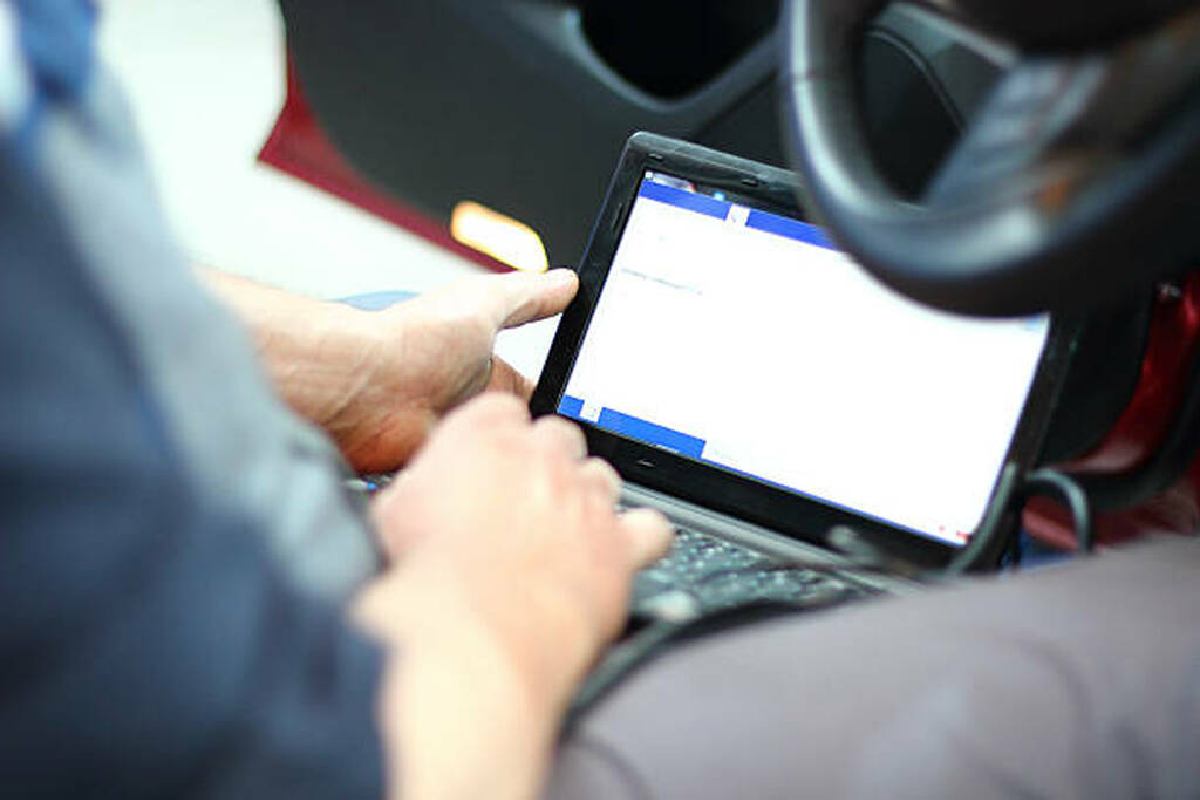
If you’ve ever had your check engine light come on and wondered what’s really happening under the hood, the Auto Tap Scanner Software for Windows PC is your window into your vehicle’s brain. Designed for everyday drivers who want dealership-level insight without paying dealership prices, this tool connects your vehicle’s onboard computer to your Windows laptop — showing live data, fault codes, and detailed performance insights.
Table of Contents
Understanding How Auto Tap Works
Every car built after 1996 includes an OBD-II port (On-Board Diagnostics, second generation) — a standardized system that reports engine and emission data.
According to the U.S. Environmental Protection Agency (EPA), this requirement ensures all light-duty vehicles can monitor emissions and performance electronically.
When you plug Auto Tap’s hardware interface into your vehicle’s OBD-II port and connect it to your PC, the software communicates directly with the Engine Control Unit (ECU). The ECU stores “trouble codes” that represent detected issues. Auto Tap retrieves these codes and translates them into plain, easy-to-understand language so you know exactly what needs attention.
Key Features of Auto Tap Scanner Software for Windows PC
1. Real-Time Data Monitoring
Auto Tap doesn’t just tell you a problem exists — it shows why. View live data such as:
-
Engine RPM and throttle position
-
Oxygen sensor and fuel trim readings
-
Air intake and manifold pressure
-
Engine temperature and performance metrics
This live stream helps catch intermittent problems that occur only under specific driving conditions.
2. Read and Clear Diagnostic Codes
The software reads both stored and pending Diagnostic Trouble Codes (DTCs). Once you’ve fixed the issue, you can clear the codes and reset the check-engine light safely — the same process used in professional workshops.
The National Highway Traffic Safety Administration (NHTSA) notes that OBD systems are vital for monitoring vehicle safety and emissions, ensuring compliance across all modern cars.
3. Customizable Dashboards
With Auto Tap, you’re in control of what data matters most. Build your own dashboard — whether you want to monitor fuel efficiency, boost pressure, voltage, or air-fuel ratios. The visual, user-friendly design means you spend less time scrolling through numbers and more time understanding your car.
4. Data Logging and Playback
Auto Tap records and stores driving sessions for later analysis. This is invaluable for diagnosing intermittent issues like sudden stalls or sensor glitches that don’t always trigger a warning light. You can replay the data and pinpoint exactly when a problem occurred.
5. Freeze-Frame Data
When a fault is detected, your ECU captures a “snapshot” of sensor data at that moment. Auto Tap retrieves this freeze-frame data so you can see the conditions that triggered the problem — helping you diagnose accurately rather than guess.
Who Auto Tap Scanner Software Is For
DIY Enthusiasts
If you love taking care of your car, Auto Tap is your best diagnostic companion. It gives you the same professional data dealers use, helping you determine whether a warning is urgent or minor — saving time and money.
Professional Technicians
Repair shops use Auto Tap to scan multiple vehicles quickly and efficiently. Optional manufacturer-specific upgrades (for brands like Ford or Chrysler) unlock even deeper diagnostic capabilities.
Fleet Managers
Managing several vehicles? Auto Tap makes it easy to keep them running efficiently. You can track system health, log diagnostic histories, and plan maintenance before small issues become big repairs.
System Requirements and Setup
Setup is simple:
-
Install the software on your Windows PC.
-
Plug in the Auto Tap hardware interface (USB or serial port).
-
Locate your vehicle’s OBD-II port (under the dashboard).
-
Turn on the ignition (without starting the engine).
-
Open Auto Tap — the software automatically detects and connects.
Within seconds, you’ll see a live stream of data from your car’s sensors.
Why Auto Tap Still Stands Out
Many OBD-II tools exist, but Auto Tap has earned long-term trust thanks to its:
-
Professional-grade accuracy
-
User-friendly design
-
Deep data logging and visualization
-
Secure registration system for hardware protection
As the Automotive Service Association (ASA) explains, modern diagnostics rely on access to accurate, standardized vehicle data — something Auto Tap consistently delivers.
At Technologyford, we cover how tech simplifies daily life — from automotive tools like Auto Tap to gaming gadget guides that enhance player experience. It’s all about using technology smarter, not harder.
Frequently Asked Questions
Q: Does Auto Tap work on all vehicles?
Yes. It supports all OBD-II compliant cars and trucks (1996 and newer). Enhanced data packages are available for select brands.
Q: Can Auto Tap damage my vehicle’s ECU?
No — it’s designed to read data safely. Clearing codes or monitoring sensors poses no risk when following the included instructions.
Q: Is Auto Tap worth it for personal use?
Absolutely. One diagnostic session at a repair shop can cost $100–$200. Auto Tap can pay for itself after a single accurate diagnosis.
Before installing any diagnostic software, it’s smart to understand how software permissions and app reliability work. We explained this clearly in our guide on safe use of modded APKs — those same principles apply when handling car-diagnostic tools like Auto Tap.
Q: Can I use it for performance tuning?
Yes. Many enthusiasts use Auto Tap to track horsepower, torque, and fuel adjustments after performance modifications.
Final Thoughts: Smart Diagnostics for Everyday Drivers
The Auto Tap Scanner Software for Windows PC gives you the tools to understand your vehicle on a deeper level. Whether you’re fixing a stubborn check-engine light, testing performance upgrades, or maintaining a fleet, it provides the same diagnostic power used by professionals — in a format anyone can master.
With live data, accurate readings, and credible engineering roots, Auto Tap turns guesswork into insight — and every driver into their own car expert.
Have your own diagnostic or software experience to share? Join our contributor community — see details on our Write for Technologyford.
Key Takeaways
-
Reads and clears diagnostic codes on all OBD-II vehicles
-
Monitors live data in real time
-
Customizable dashboards for personal or professional use
-
Works on Windows PCs via USB or serial connection
-
Trusted by DIY users and automotive professionals alike