
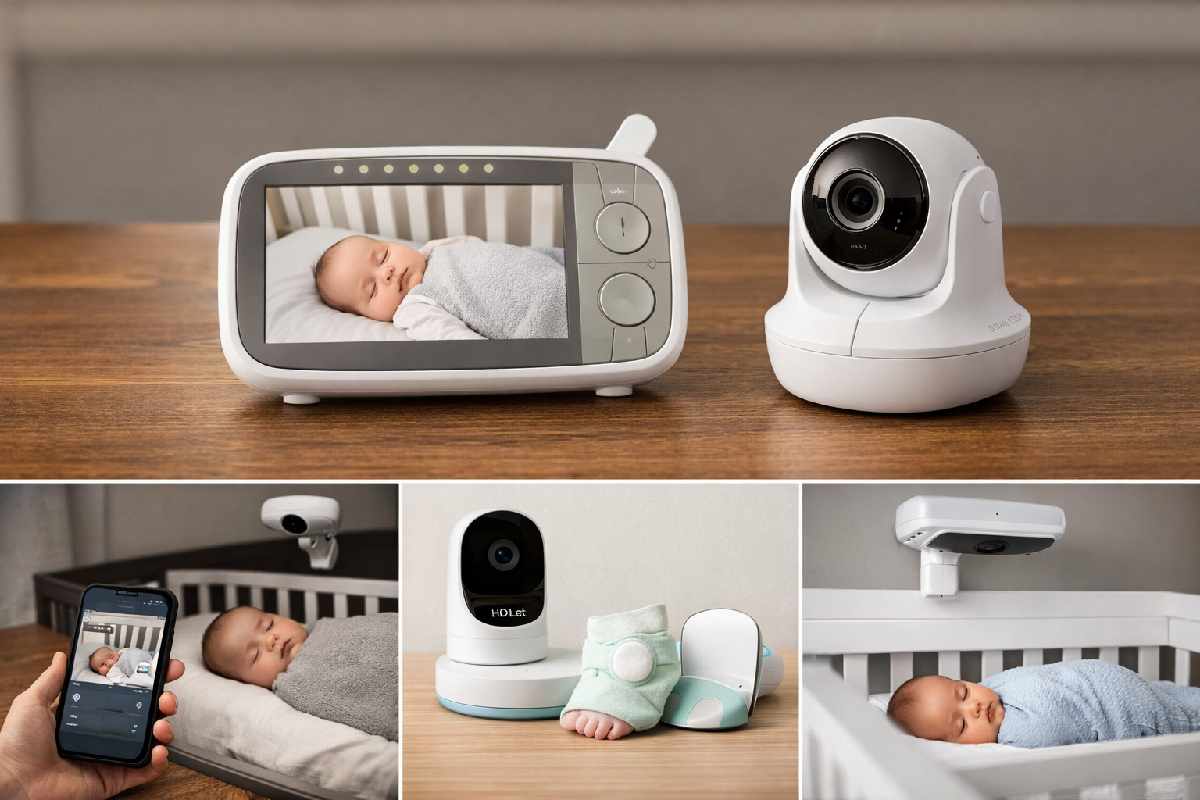
- Best overall: Infant Optics DXR-8 Pro → reliable, no Wi‑Fi needed, 1,000‑ft range
- Best Wi‑Fi monitor: Nanit Pro → advanced sleep tracking, 1080p, smart app
- Best for sleep & vitals tracking: Owlet Dream Duo 2 → heart rate + oxygen monitoring via smart sock
- Best budget pick: VTech VM819 → solid video, two‑way audio, ~$60
- Best non‑Wi‑Fi with premium video: Eufy SpaceView Pro → crisp 720p, 5″ screen, no app required
- Best contact‑free breathing monitor: Miku Pro 2 → 2K video + radar‑based breathing detection, no wearable needed
## Our Top Baby Monitor Picks at a Glance
| Monitor | Best For | Video | Wi‑Fi? | Price Range |
|---|---|---|---|---|
| Infant Optics DXR-8 Pro | Best overall | 720p HD | No | ~$170 |
| Nanit Pro | Best Wi‑Fi / smart | 1080p HD | Yes | ~$300–$350 |
| Owlet Dream Duo 2 | Sleep & vitals | 2K HD | Yes | ~$400 |
| VTech VM819 | Best budget | 720p | No | ~$60 |
| Eufy SpaceView Pro | Non‑Wi‑Fi premium | 720p | No | ~$130 |
| Miku Pro 2 | Contact‑free breathing | 2K | Yes | ~$350 |
| HelloBaby HB6550 | Budget with features | 480p | No | ~$50–$70 |
| CuboAi Smart Baby Monitor | AI safety alerts | 1080p | Yes | ~$200 |
| VTech DM221 | Audio‑only | Audio only | No | ~$30 |
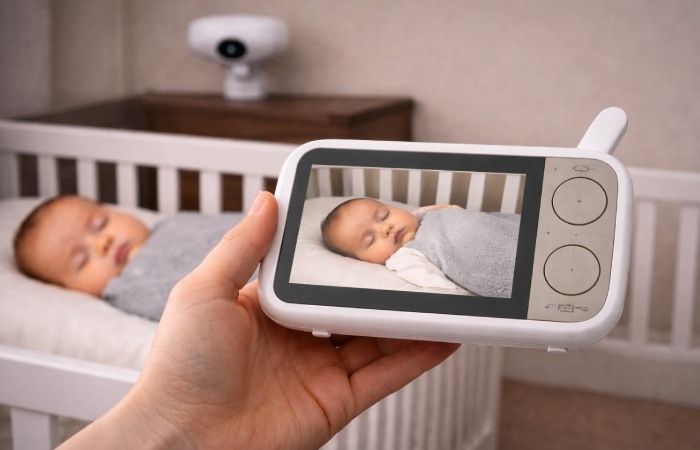
## 1. Infant Optics DXR-8 Pro — Best Overall Baby Monitor
### Key Specs
- Video: 720p HD with optical zoom
- Range: Up to 1,000 ft (open area)
- Night vision: Infrared
- Battery life: Up to 10 hours (parent unit)
- Special: Interchangeable lens system, active noise reduction, no app required
### Pros
- Zero Wi-Fi dependency = zero hacking risk
- Interchangeable lenses (wide-angle and zoom available)
- Crystal-clear two-way audio with active noise reduction
- One-time purchase, no subscription fees
### Cons
- No remote viewing outside the home
- No advanced smart features (sleep tracking, app integration)
- 720p video quality, not the sharpest available
- Best for: Parents who want a no-fuss, highly reliable monitor without the complexity of apps or internet dependency. Ideal for medium to large homes.
- Who should avoid it: Parents who travel frequently or want to check in on their baby remotely from work or another location.
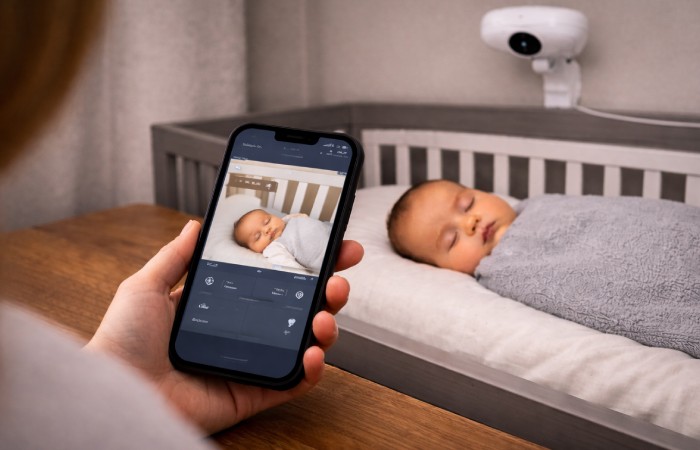
## 2. Nanit Pro — Best Wi-Fi Baby Monitor
### Key Specs
- Video: 1080p HD (overhead/overhead angle)
- Night vision: High-quality infrared
- Connectivity: Wi-Fi only (2.4GHz and 5GHz)
- Special: Sleep tracking, breathing wear compatible, Nanit app with trends and insights
### Pros
- Exceptional video and night vision quality
- Detailed sleep insights (time asleep, wake events, sleep efficiency)
- Breathing movement monitoring with compatible Nanit Breathing Wear (sold separately)
- Works from anywhere via app
### Cons
- Requires a strong Wi-Fi connection to function
- Premium price point (~$300+)
- Full sleep tracking features require a subscription plan
- Designed for overhead crib mount — may need professional installation for some setups
## 3. Owlet Dream Duo 2 — Best for Sleep & Vital Tracking
### Key Specs
- Camera: 2K HD with night vision
- Monitoring: Dream Sock tracks pulse rate, oxygen saturation (SpO2), and movement
- Platform: Owlet app (iOS/Android)
- Special: FDA-cleared (for tracking, not medical diagnosis)
### Pros
- Real-time heart rate and oxygen level tracking via sock
- 2K video gives excellent visual detail
- App alerts you if readings fall outside preset ranges
- Temperature and humidity sensor included
### Cons
- High price (~$400)
- Sock must be fitted correctly for accurate readings — learning curve for newborns
- Not a medical device; not a SIDS prevention tool
- Wi-Fi dependent
Important note: The American Academy of Pediatrics (AAP) does not currently recommend commercial sleep monitors for SIDS prevention. As noted in the AAP’s safe sleep guidelines no monitor has been proven to prevent SIDS. Products like the Owlet provide peace of mind and health tracking data, not medical guarantees.
This system can give reassuring trend data at home, but it should always be used as a support tool alongside your pediatrician’s advice and safe sleep practices, not as a medical guarantee.
## 4. VTech VM819 — Best Budget Baby Monitor
### Key Specs
- Video: 720p with night vision
- Range: Up to 1,000 ft (open area)
- Battery life: Up to 19 hours (parent unit)
- Special: Temperature sensor, VOX mode, lullabies, two-way talk
### Pros
- Outstanding battery life for an all-day/night confidence
- Simple plug-and-play setup
- No app, no subscription, no Wi-Fi
- Good range for apartment or mid-sized home use
### Cons
- 720p video, not the highest clarity
- No smart features or sleep tracking
- Basic pan/tilt (no zoom)
## 5. Eufy SpaceView Pro — Best Non-Wi-Fi Premium Monitor
### Key Specs
- Video: 720p with Sony sensor (excellent low-light performance)
- Screen: 5-inch HD display on parent unit
- Range: Up to 1,000 ft
- Special: 330° pan, 110° tilt, 8× digital zoom, no Wi-Fi, no app
### Pros
- Excellent low-light and night vision performance
- Large, bright parent unit screen
- Motorized pan/tilt/zoom remotely controlled
- No internet, no monthly fees, highly secure
### Cons
- No remote access outside home range
- No app or smart features
- Slightly bulkier parent unit
## 6. Miku Pro 2 — Best Contact-Free Breathing Monitor
### Key Specs
- Video: 2K HD with night vision
- Breathing detection: mm-wave radar (contact-free)
- Platform: Miku app with sleep reports
- Special: AI-powered cry analysis, no wearable required
### Pros
- No wearable = nothing on the baby
- 2K video is best-in-class visual clarity
- Contact-free breathing detection is genuinely innovative
- Detailed sleep reports in app
### Cons
- Wi-Fi dependent
- High price (~$350)
- Monthly app subscription fee for full features
- Requires precise, overhead mounting for accurate breathing detection
## 7. HelloBaby HB6550 — Best Budget Monitor with Extra Features
- Wide range of features at sub-$70
- No Wi-Fi, no subscription
- 480p video is lower resolution than competitors
- Audio can occasionally pick up interference
## 8. CuboAi Smart Baby Monitor — Best for AI Safety Alerts
- AI-powered face-covered and danger-zone alerts
- Unique bird-shaped design is unobtrusive
- Wi-Fi dependent; requires app
- Higher price for the feature set vs. competitors
## 9. VTech DM221 — Best Audio-Only Baby Monitor
- DECT 6.0 encrypted — secure by design
- Very affordable (~$25–30)
- Up to 1,000 ft range
- No video whatsoever
- Limited additional features
## How to Choose the Best Baby Monitor for Your Family
### Step 1 — Decide on Connectivity: Wi-Fi vs. Non-Wi-Fi
Choose Wi‑Fi if:
- You want to check in on baby from work or while traveling
- You want sleep tracking or health data through an app
- You’re comfortable managing app security and firmware updates
Choose Non‑Wi‑Fi (DECT/FHSS) if:
- Cybersecurity and privacy are a top priority
- Your internet connection is unreliable
- You want a simpler, plug‑and‑play setup
- You only need monitoring within your home
### Step 2 — Match to Your Home Size
- Small apartment / one floor: Any monitor’s range will suffice; prioritize video quality.
- Large home / multi‑floor: Look for 1,000 ft+ range. Non‑Wi‑Fi models with strong FHSS signals, or Wi‑Fi models on a stable mesh network.
### Step 3 — Consider Your Feature Priorities
| Priority | Recommended Type |
|---|---|
| Maximum reliability, no complexity | Non‑Wi‑Fi (Infant Optics, VTech, Eufy) |
| Remote access from anywhere | Wi‑Fi (Nanit Pro, Owlet, Miku) |
| Sleep & health tracking | Wi‑Fi with sock/wearable (Owlet) or radar (Miku) |
| Best video quality | 2K Wi‑Fi models (Owlet, Miku) |
| Tightest budget | VTech VM819 or HelloBaby HB6550 |
| Audio only | VTech DM221 |
### Step 4 — Budget Realistically
- Under $75: HelloBaby HB6550, VTech VM819, VTech DM221 (audio‑only)
- $100–$200: Eufy SpaceView Pro, Infant Optics DXR‑8 Pro
- $200–$350: Nanit Pro, CuboAi Smart Monitor, Miku Pro 2
- $350–$400+: Owlet Dream Duo 2
## Baby Monitor Safety: What Every Parent Needs to Know
### Cord Safety (Strangulation Risk)
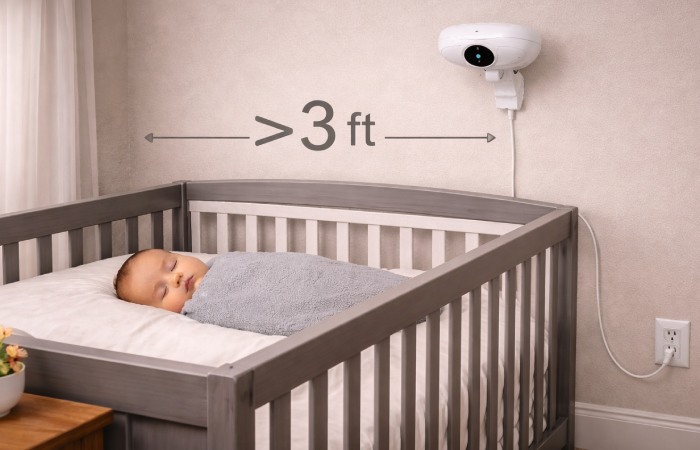
- Always place the monitor at least 3 feet away from the crib. Cords must remain completely out of reach.
- Never place the monitor inside the crib, on the crib rail, or on any surface a baby could pull toward them.
- Avoid extension cords. Secure all cords flat against the wall using cord clips rated safe for nurseries.
- Review the CPSC’s safe sleep product guidelines for the latest product safety advisories.
### Cybersecurity for Wi-Fi Baby Monitors
- Change the default password immediately — use a strong, unique password (12+ characters, mix of letters, numbers, symbols)
- Enable two‑factor authentication (2FA) if the manufacturer’s app supports it
- Update firmware regularly — most reputable brands push security patches; check the app or manufacturer website monthly
- Use WPA2 or WPA3 Wi‑Fi encryption on your home router
- Consider a separate IoT network for your monitor and other smart devices
- Choose brands with a documented security record — read manufacturer privacy policies before buying
### Baby Monitors and SIDS
## Who Should (and Shouldn’t) Buy Each Monitor Type
| Parent Profile | Best Fit | Consider Avoiding |
|---|---|---|
| First-time parent, wants reassurance | Nanit Pro, Owlet Dream Duo | Basic audio-only |
| Privacy-focused / no apps | Infant Optics DXR-8 Pro, Eufy | Any Wi-Fi monitor |
| Tight budget | VTech VM819, HelloBaby | Premium subscription models |
| Works from home / stays close | Non-Wi-Fi any | Wi-Fi with subscription |
| Travels for work / remote check-ins | Nanit Pro, Miku Pro | Non-Wi-Fi models |
| Medically anxious / preterm baby | Owlet Dream Duo (+ consult pediatrician) | Audio-only |
| Large house, multi-camera | Babysense MaxView (multi-cam), VTech multi-cam | Single-cam only models |
- For most parents, the Infant Optics DXR‑8 Pro (non‑Wi‑Fi) or Nanit Pro (Wi‑Fi) will cover 90% of needs.
- For peace‑of‑mind tracking, the Owlet Dream Duo 2 offers in‑depth vital and sleep monitoring — just keep safety expectations grounded and consult your pediatrician if you have specific health concerns.
- On a budget, the VTech VM819 consistently outperforms its price.
Key Takeaways:
- Wi-Fi monitors offer more features and remote access; non-Wi-Fi offers more security and reliability.
- No monitor prevents SIDS — safe sleep practices remain the foundation.
- Cord placement is a genuine safety risk; always position monitors at least 3 feet from the crib.
## Frequently Asked Questions
### Q1: What is the most secure baby monitor?
### Q2: Do I really need a Wi-Fi baby monitor?
### Q3: Can baby monitors be hacked?
### Q4: Are smart baby monitors with breathing tracking worth it?
### Q5: What is the best baby monitor for a large house?
### Q6: How far should a baby monitor be from the crib?
About Technologyford
Technologyford publishes practical, easy-to-understand content on health, technology, business, marketing, and lifestyle. Our articles are based mainly on reputable, publicly available information, with AI tools used only to help research, organize, and explain topics more clearly so the focus stays on real-world usefulness rather than jargon or unnecessary complexity.