
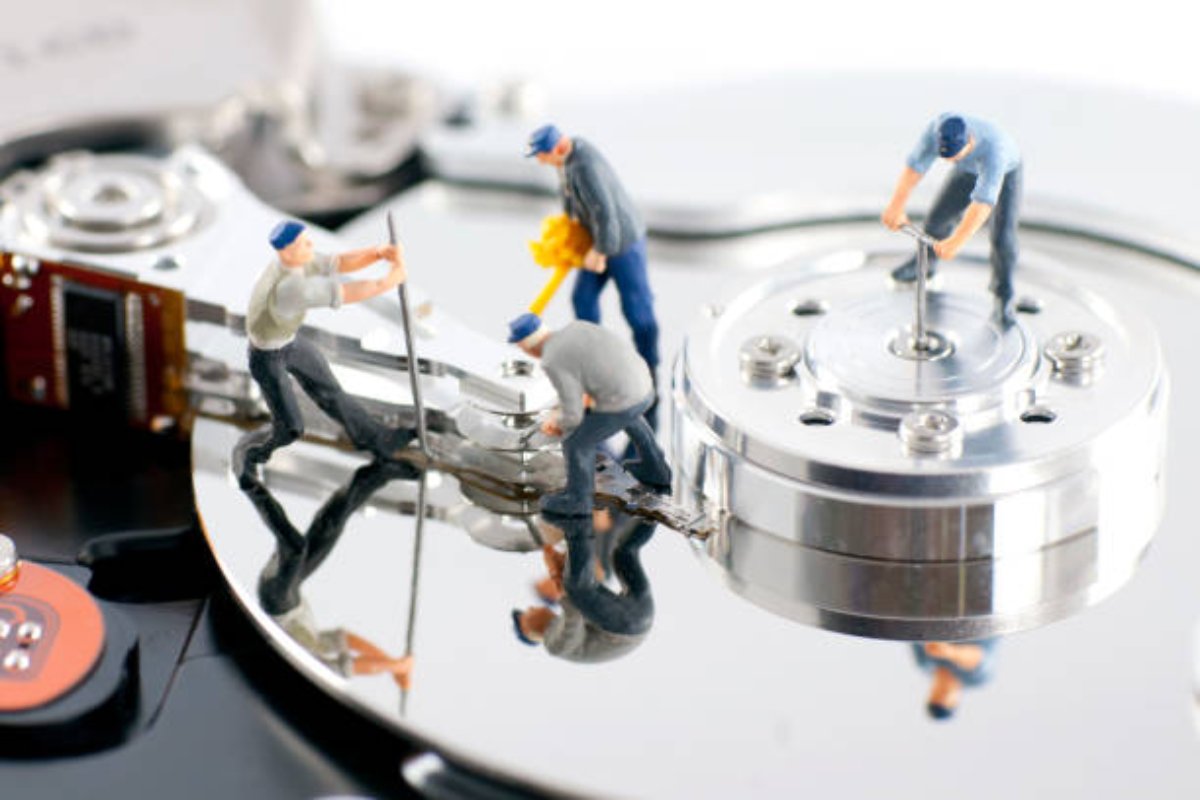
Discover everything you need to know about salvaging data from a hard drive or computer that has been damaged by viruses, malware, random crashes, etc. Learn what are the risks of attempting to salvage data from a damaged hard drive or computer, and how to use simple software tools to do it.
Salvaging data is like committing a crime scene, because it requires careful planning and quick action to recover the information needed. This program will explain ten strategies to extract information from an outdated computer before it is recycled. The training comes from years of experience recovering data from thousands of machines. These techniques really work and will help you recover your own important files.
The best way to salvage data is by using a hard drive adapter kit and making a mirror image of the dying drive. Creating a disk image is crucial because it allows you to work on a copy of the failing drive rather than the original, minimizing the risk of further damage. This “image first, recover second” approach is safer since every read operation on a damaged drive can accelerate failure. When you clone or image a disk, you only expose the original to the intensive scanning process once.
Table of Contents
When Data Recovery is Possible
Data recovery succeeds most often with logical failures—accidental deletion, formatting, malware, or file-system corruption. Check the Recycle Bin first, as many “lost” files end up there. If files are gone from the Bin, recovery software can still find them before new data overwrites the space.
Physical failures—clicking sounds, burning smells, or complete non-detection—require professional help. Opening a hard drive outside a cleanroom introduces dust and risks permanent platter damage.
Salvaging Data Techniques
Salvaging data techniques is meant to give you confidence in your own ability to fully extract data and transform it. Understanding the difference between physical and logical data loss is essential. Logical failures—accidental deletion, formatting, file-system errors, malware infections—are software-based problems that recovery software can typically handle. Physical failures—clicking sounds, grinding noises, failure to detect—involve hardware damage that requires professional intervention in a controlled cleanroom environment.
It is a hands-on workshop designed to demonstrate best practices and procedures for helping you recover as much of your data and settings as possible after a device crash or other catastrophic loss. Learn how to utilize various tools, including Mac’s Time Machine Backup, directly from the Apple Experts at the Apple Store.
Techniques for salvaging data from any storage media including Hard Drive and SSD in NTFS, FAT32 and exFAT file systems.
Salvaging Data Recovery
This latest service will allow us to provide full-service data recovery services once again, while enabling us to remain more efficient and profitable than we could as a repair shop. From the moment a customer arrives, our process is designed solely to extract the most value from their data—to make everything that can be salvageable in a first-rate manner and dispose of what cannot in an environmentally responsible way.
What Are the Risks of Attempting DIY Salvage?
Opening a hard drive outside a professional cleanroom environment poses extreme risks. The platter—the spinning disk coated with magnetic material where data lives—is incredibly fragile. Exposing it to air invites dust contamination, which can cause irreversible platter damage. Even slight misalignment between the platter and read/write head can trigger catastrophic head crashes, making data recovery nearly impossible. Unless you have a certified cleanroom, do not attempt to open the drive.
Another common mistake is recovering files back to the same drive. The system marks the space of deleted files as “available,” so writing recovered files there can overwrite unrecovered data permanently. Always save recovered files to an external drive, USB stick, or secondary internal drive.
Salvaging Data Value
This volume presents methods for evaluating data quality and salvaging low-quality data through simple adjustments, advanced statistical analysis and machine learning algorithms. Data cleansing strategies are explained in great detail, as are numerous case studies illustrating how real datasets have been salvaged and consequently used successfully in an assortment of fields such as medical research, drug discovery, computer vision and Internet marketing.
DIY vs. Professional Recovery: When to Call Experts
Understanding when to attempt DIY recovery versus hiring professionals is critical. DIY methods work best for minor logical failures—accidental deletion or simple corruption—where data hasn’t been overwritten. However, professional recovery is essential for physical damage (water, drops, mechanical failure), complex RAID configurations, encrypted drives, or when data is mission-critical.
DIY software tools like Recuva, EaseUS Data Recovery Wizard, and DiskGenius can recover files in straightforward scenarios. However, selecting reliable software is crucial—choosing unreliable or mismatched tools wastes time or makes damage worse. Research user reviews and professional comparisons before downloading.
SSD vs. Hard Drive Recovery: Key Differences
SSDs use TRIM commands to permanently delete data immediately, making recovery nearly impossible after deletion. Hard drives leave data traces until overwritten, giving you a wider recovery window.
Never power-cycle a failing SSD repeatedly. For SSDs, stop use within minutes of discovering data loss. For hard drives, use read-only tools like ddrescue to create a disk image before running recovery software.
When to Call Professionals
Call experts if:
-
The drive makes clicking, beeping, or grinding noises
-
The computer doesn’t recognize the drive at all
-
Physical damage is visible (water damage, burn marks, dropped drive)
-
Multiple DIY attempts have failed
Professionals access data in cleanrooms, use specialized hardware, and can perform chip-off recovery for failed controllers. This costs more but prevents irreversible damage.
Prevention: Backup Before Disaster Strikes
The best salvage strategy is not needing one. Use automated backup tools—Time Machine for Mac, File History for Windows, or cloud services. Regular backups mean data loss becomes a simple restore, not an emergency recovery.
Conclusion
Salvaging data is a delicate process and one that should be handled with care. When taking on data recovery duties, here are some things to keep in mind: be careful with fragile components, test your methods before you commit to the entire process, and verify that the reliability of the data is still intact (for instance, via a verification software). And most importantly, if you’re unsure how to perform the data recovery services, leave it to the experts—you never know what you might accidentally do in the process.
The good news is that you can recover deleted files and documents, but the bad news is that it isn’t easy. The easiest method is to use software installed on the computer that lets you find and recover files that have been accidentally or intentionally removed.