
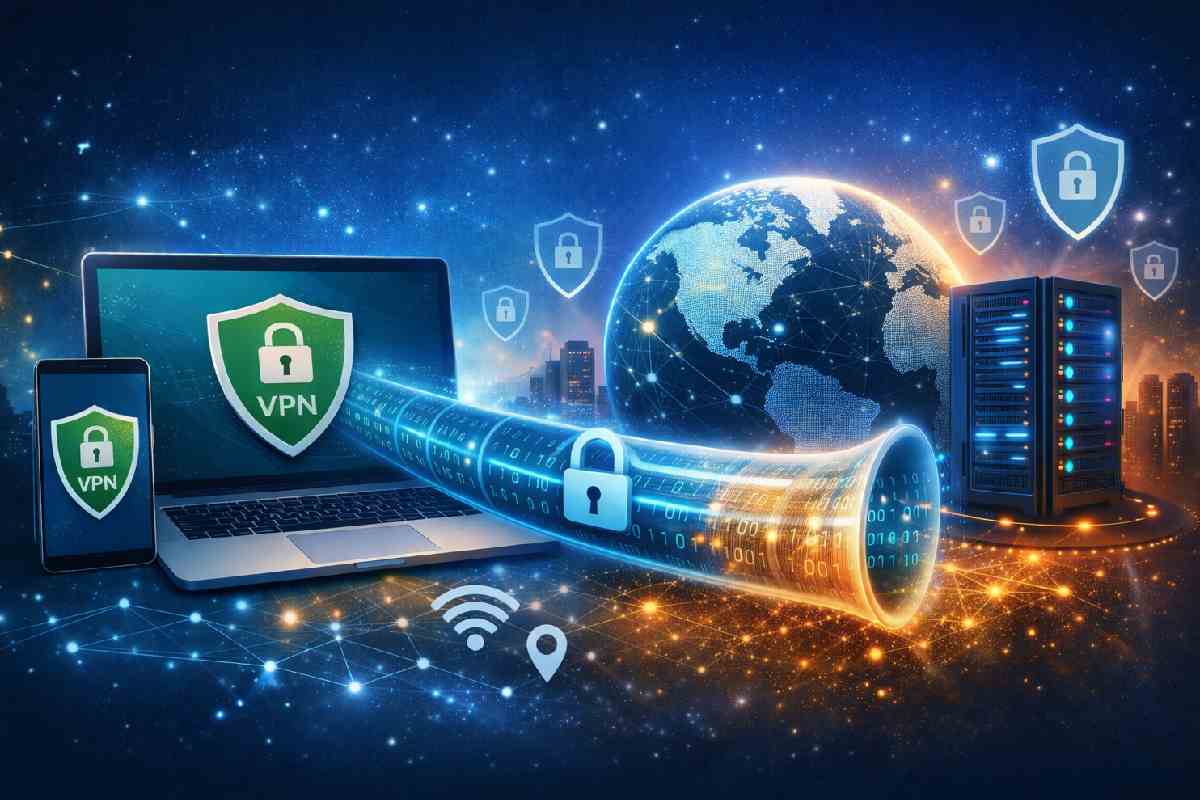
Most people hear “VPN” and think instant privacy, but that’s only half the story. This guide cuts through the hype to show how VPNs actually protect your data, where they fall short, and when turning one on genuinely makes you safer online.
Table of Contents
Quick Answer
A VPN (Virtual Private Network) protects your data by encrypting internet traffic and hiding your real IP address from networks, ISPs, and attackers. It is most useful on public Wi-Fi, while traveling, or when privacy matters. A VPN improves data security but does not replace antivirus software or safe browsing habits.
Key Takeaways
-
A VPN encrypts your internet traffic and masks your IP address.
-
VPNs are most valuable on public or untrusted networks.
-
A VPN improves privacy and security but does not stop malware or scams.
-
Not all VPN providers offer the same level of protection.
-
VPNs are a supplement to security, not a complete solution.
What Is a VPN?
A VPN, or Virtual Private Network, is a tool that creates a secure, encrypted connection between your device and the internet, similar to the way national cybersecurity guidelines describe virtual private networks.. Instead of sending data directly through your local network, your traffic is routed through a VPN server first.
This process hides your real IP address and prevents third parties—such as Wi-Fi operators, internet service providers, or attackers—from easily viewing or intercepting your data.
How a VPN Works (Simple Explanation)
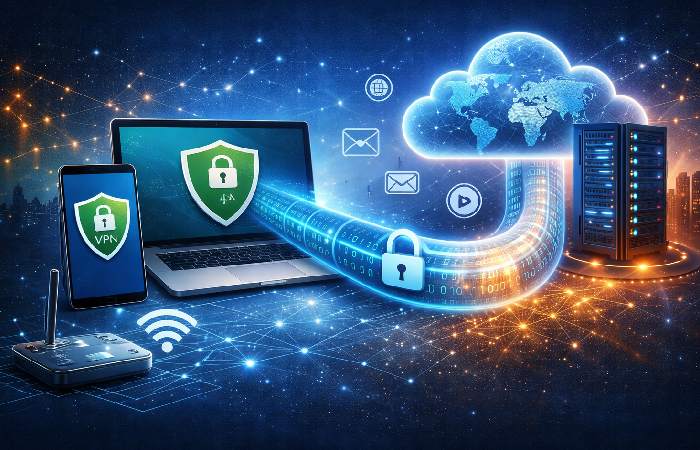
Encryption and Secure Tunnels
When you connect to a VPN, your data is encrypted before leaving your device. This encrypted data travels through a secure “tunnel” to a VPN server, where it is decrypted and sent to the destination website.
Encryption makes intercepted data unreadable without the correct keys, which is why security standards emphasize using strong, modern VPN encryption methods, as outlined in IPsec VPN implementation guides.
The VPN acts as the middleman between your device and the wider internet, so websites and services interact with the VPN server rather than your real connection directly.
IP Address Masking
Websites and services see the VPN server’s IP address instead of yours. This reduces tracking and location exposure and limits how much information third parties can collect about your device.
A deeper explanation of this process is covered in this guide on how a VPN works and why you should use it.
Why VPNs Matter for Data Security
VPNs reduce common online risks by:
-
Protecting data on public Wi-Fi networks
-
Preventing basic traffic monitoring by ISPs
-
Reducing exposure to network-based attacks
-
Limiting IP-based tracking
They are especially useful in cafés, airports, hotels, or shared workspaces where network security is uncertain.
What a VPN Protects — and What It Doesn’t
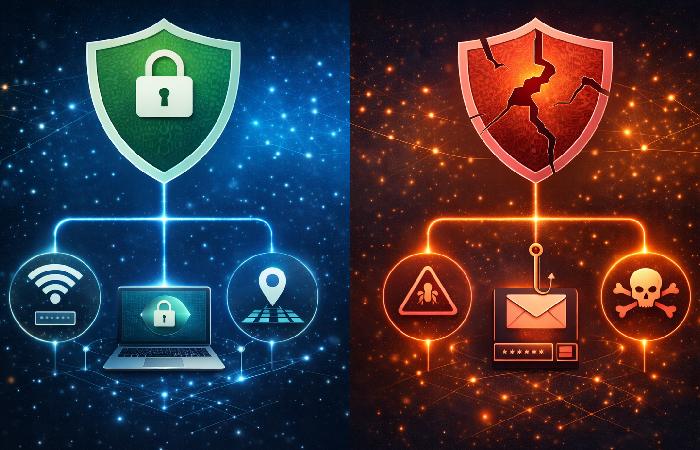
What a VPN Protects
-
Internet traffic encryption
-
IP address masking
-
Safer use of public Wi-Fi
-
Reduced tracking by websites and ISPs
What a VPN Does Not Protect
-
Malware or phishing attacks
-
Unsafe downloads or malicious websites
-
Tracking via logged-in accounts (Google, social media)
-
Data collected directly by apps and services
A VPN improves network security but does not replace antivirus software, safe browsing habits, or account security practices.
What Types of VPNs Are There?
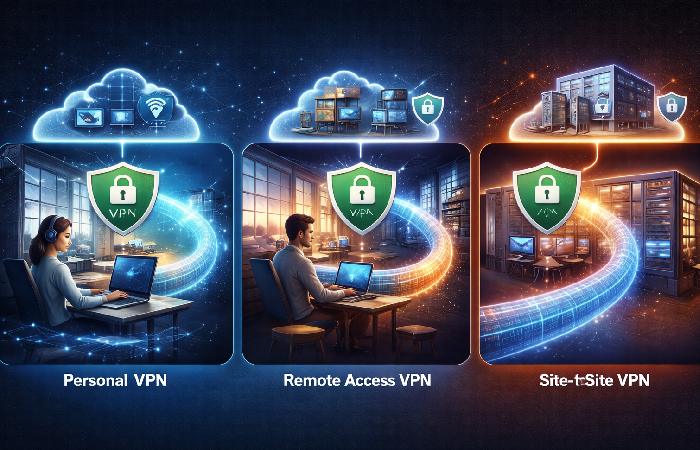
VPNs are best understood by how they are used, not by technical protocols.
- Personal VPNs are designed for individuals who want privacy, security, and IP masking on everyday internet connections.
- Remote-access VPNs allow employees to securely connect to private company networks while working remotely.
- Site-to-site VPNs connect entire office networks and are used mainly by large organizations.
For most everyday users, a personal VPN is sufficient.
When Using a VPN Makes Sense
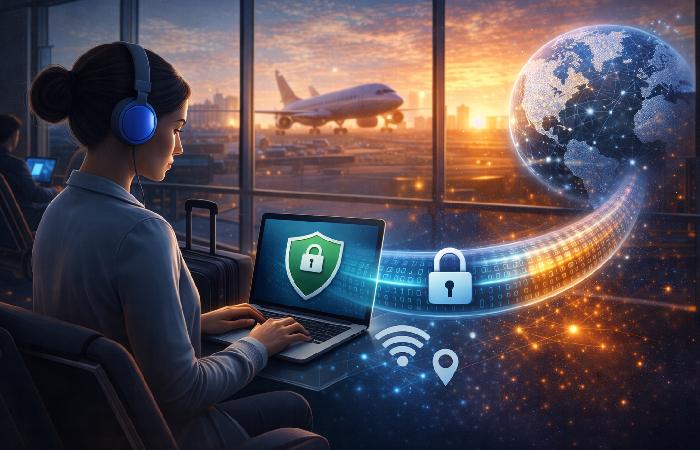
Using a VPN is most beneficial when:
-
Connecting to public or unsecured Wi-Fi
-
Traveling and accessing personal or work accounts
-
Working remotely with sensitive data
-
Avoiding basic network surveillance
VPNs are commonly used to create a safer online experience, as explained in discussions about using a VPN to improve online privacy and security.
When a VPN Is Not Enough
A VPN does not:
- Protect against phishing attacks or malicious websites
-
Stop malware or ransomware
-
Make you anonymous online
-
Replace antivirus or system updates
Safe browsing habits, strong passwords, and device security tools are still required.
Downsides and Trade-Offs of VPNs
VPNs also come with limitations:
-
Slower speeds due to encryption and routing
-
Battery drain on mobile devices
-
Trust dependency on the VPN provider
-
Some services block VPN traffic
-
Quality varies widely between providers
Free VPNs often trade privacy for ads or data collection, which can undermine the purpose of using a VPN.
Choosing a VPN: What Actually Matters
When evaluating a VPN, focus on the same fundamentals highlighted by vendor and standards-based guidance, such as those in IPSec VPN basics documentation:
-
Strong encryption and modern protocols
-
Clear no-logs policy
-
Transparent ownership and jurisdiction
-
Reliable performance and server availability
-
Kill switch and DNS protection
Avoid providers that make unrealistic claims about total anonymity or “complete invisibility.
VPN Best Practices for Everyday Use
To get real security value from a VPN:
- Turn it on by default on public Wi‑Fi, in cafés, airports, hotels, and shared workspaces.
- Keep your VPN app updated so security fixes and protocol improvements are applied.
- Enable the kill switch feature if your provider offers it, so traffic does not leak if the VPN drops.
- Combine the VPN with strong passwords, multi-factor authentication, and reputable antivirus software.
Common VPN Myths
-
“VPNs make you invisible online.”
VPNs improve privacy but do not provide full anonymity. -
“All VPNs are secure.”
Provider logging policies and encryption standards vary widely. -
“VPNs replace other security tools.”
VPNs only protect data in transit, not device-level threats.
Are VPNs Legal and Safe to Use?
VPNs are legal in most countries and widely used by businesses and individuals. Safety depends on the provider. Reputable VPNs use strong encryption and clear privacy policies, while poorly managed services may log or misuse user data.
Users should always review provider policies and local regulations.
VPN Basics: Pros and Cons
| Pros | Cons |
|---|---|
| Encrypts internet traffic | Can reduce connection speed |
| Protects data on public Wi-Fi | Does not block malware |
| Masks IP address | Quality varies by provider |
| Improves privacy | Some services log activity |
Final Verdict: Is a VPN Worth Using?
A VPN is a valuable security and privacy tool when used correctly and for the right reasons. It protects data on insecure networks, limits tracking, and adds a meaningful layer of defense. However, it is not a complete security solution and should be combined with good digital hygiene and realistic expectations.
A VPN encrypts your internet traffic and hides your real IP address, making it harder for networks, ISPs, and attackers to see what you do online. It’s most valuable on public or untrusted Wi‑Fi, when you’re traveling, or when you’re accessing sensitive accounts, but it does not block malware, scams, or tracking through logged‑in accounts. Used alongside strong passwords, updates, and antivirus, a VPN becomes one useful layer in a broader data security strategy.
FAQs
Do I really need a VPN for everyday internet use?
You need a VPN if you regularly use public Wi-Fi, travel often, or want to reduce tracking and data exposure.
VPNs are most valuable on unsecured networks where interception risks are highest. For home-only users with strong Wi-Fi security, the benefit is mainly added privacy rather than necessity.
Does a VPN make me completely anonymous online?
A VPN does not make you anonymous online because websites and services can still track behavior through accounts, cookies, and device fingerprints.
VPNs hide your IP address and encrypt traffic but do not prevent identification through logins or app-level data collection.
Can a VPN protect me from hackers and malware?
A VPN protects data in transit but does not block malware or phishing attacks.
You still need antivirus software, safe browsing habits, and caution with downloads. A VPN reduces network-level risks, not endpoint threats.
Is using a VPN legal worldwide?
VPN use is legal in most countries, but some regions restrict or regulate their use.
Always check local laws before using a VPN, especially in countries with strict internet controls or licensing requirements.
Will a VPN slow down my internet connection?
A VPN can slightly reduce speed due to encryption and routing overhead.
High-quality VPNs minimize this impact, while low-quality or overloaded servers can cause noticeable slowdowns. Speed depends on provider quality and server proximity.