
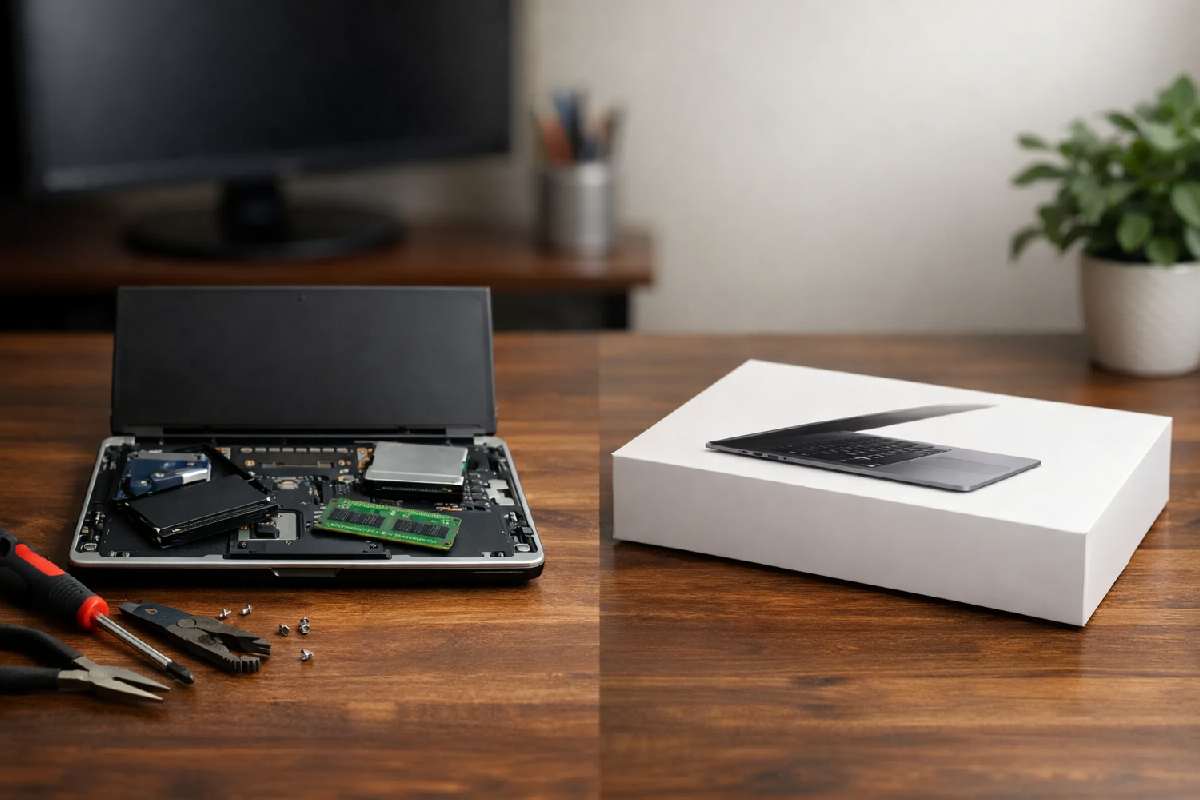
What if the real waste isn’t your old computer—but the money you’re about to spend on it? Many people replace machines that only needed a simple, low‑cost fix, while others keep repairing systems that quietly drain time, cash, and productivity. This guide explains the true value of computer repairs, when fixing makes financial sense, when replacement is the smarter move, and how to decide confidently using clear, practical criteria.
Across the world, both everyday users and businesses are shifting toward a “repair‑first” approach, using repairs and refurbishments to stretch device lifespans instead of automatically replacing machines at the first sign of trouble.
Table of Contents
Quick Answer
The value of computer repairs depends on repair cost, device age, performance needs, and future reliability. Repairs are often worthwhile when fixing a single component or extending usable life at a reasonable cost. Replacement makes more sense when multiple parts are failing, performance no longer meets needs, or repair costs approach the price of a new device.
Key Takeaways
-
Computer repair value is about usefulness over time, not just upfront cost.
-
Single-part repairs and upgrades often deliver strong value.
-
Repairs lose value when costs near replacement price or failures stack up.
-
Replacement carries hidden costs like setup time and data migration.
-
Environmental and data-security factors also affect repair value.
What Does “Value” Mean in Computer Repairs?
Value in computer repairs is measured by how much useful life and performance you gain relative to the money and effort spent. A repair has high value when it restores reliability, improves performance, or delays replacement without introducing new risks. Low-value repairs consume money while leaving you with an unreliable or underpowered system.
When Computer Repairs Are Usually Worth It
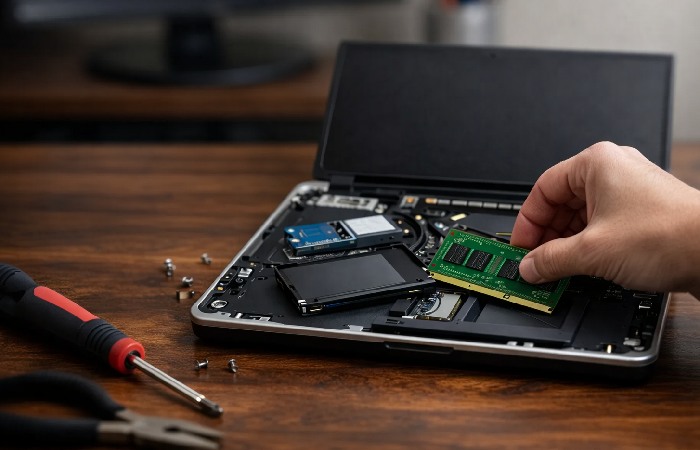
Simple Component Replacements
Replacing components such as storage drives, memory, batteries, or cooling fans often delivers clear value. These parts fail independently and can significantly improve speed or usability at a fraction of replacement cost.
Fixing a Single Failing Part
If only one major component is failing—such as a screen, keyboard, or power port—repairing it can restore full functionality without affecting the rest of the system’s lifespan.
Computers That Still Meet Your Needs
If your computer already handles your everyday tasks comfortably, repairing it preserves familiarity and avoids the disruption of moving to a new system.
Repairs also tend to fall into three rough price bands. Simple software jobs like virus removal or basic troubleshooting usually sit at the lower end. Mid‑range costs are common for hardware fixes such as screens, keyboards, and batteries, while complex work like deep data recovery or motherboard issues is typically at the expensive end and can take days instead of hours.
When Repairing a Computer Is Usually Not Worth It
Multiple Failing Components
When several parts are failing or showing wear, repair costs add up quickly and reliability remains uncertain.
Hardware or Software Limits
Older systems that cannot run supported operating systems or essential applications safely lose value even after repair.
Repair Cost Near Replacement Cost
As a general rule, repairs approaching 50–60% of replacement cost rarely offer good long‑term value, especially on older systems.
Repair vs Replace: A Simple Decision Framework

| Factor | Repair Makes Sense | Replacement Makes Sense |
|---|---|---|
| Repair cost | Low to moderate, clearly below the cost of an equivalent AI‑ready replacement | High or recurring, creeping close to the price of a modern AI‑ready device |
| Device age | Still supported, under roughly 6–7 years, with parts reasonably available | Near or past support limits, or so old that parts are scarce or overpriced |
| Performance | Meets your daily needs after a simple fix or upgrade (for example RAM/SSD) | Consistently inadequate even with realistic upgrades, or cannot run required software securely |
| Key components (RAM/SSD) | Existing RAM and SSD are in good condition, so a repair lets you keep these now‑expensive parts in service | RAM or storage are also failing, so you would be paying today’s higher component prices anyway |
| Reliability | One clear, isolated issue with a good chance of a one‑time fix | Multiple unknown risks, repeated failures or signs that more parts will likely fail soon |
Hidden Costs People Forget When Replacing a Computer
Replacement often includes overlooked costs such as reinstalling software, transferring data, learning new hardware, and lost productivity during setup. These indirect costs can outweigh the price difference between repair and replacement, especially for work-critical systems.
When you factor in these indirect costs, a moderately priced repair can sometimes be better value than a budget new machine.
Key Cost Essentials to Keep in Mind
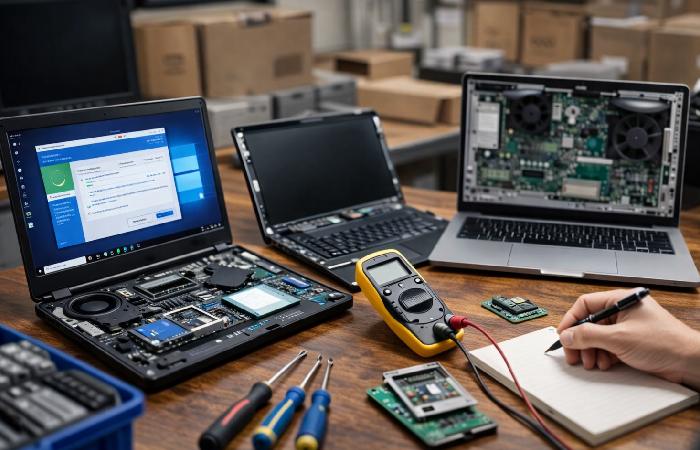
In practice, repair prices fall into three rough bands: low‑cost software fixes, mid‑range hardware repairs, and high‑end jobs like deep data recovery or complex hardware work. Simple services such as virus removal or basic troubleshooting are usually the cheapest and fastest. Screen, keyboard and battery replacements sit in the middle, while motherboard faults and serious data recovery are often the most expensive and can take days instead of hours. When you weigh repair value, it helps to know which band your issue falls into and whether that cost is likely to be a one‑time fix or the start of repeated spending.
If you are facing an expensive quote for a motherboard or complex hardware fault, it is worth asking whether the shop offers chip‑level repair instead of replacing the whole board. Skilled board‑level technicians can sometimes fix a single faulty chip, port or power component for a fraction of the price and turnaround time of importing an entire new motherboard, which can dramatically improve the value of choosing repair.
| Type of repair | Typical examples | Usual cost band | What it means for value |
|---|---|---|---|
| Low-cost software fixes | Virus removal, basic troubleshooting | Lowest band (often fixed fee) | Strong value if the device still meets your needs after the fix. |
| Mid-range hardware repairs | Screen, keyboard, battery, fan, ports | Mid band (parts + labour) | Good value when the rest of the system is healthy. |
| High-end / complex jobs | Motherboard faults, deep data recovery | Highest band (costly, slower) | Best for critical devices or data, or when replacement costs more. |
Environmental and Data Value of Repairs
Repairing a computer preserves embedded energy, reduces waste, and lowers demand for new manufacturing. Repairs also reduce data-handling risks that come with device replacement, disposal, or resale. For many home users, freelancers and small businesses, the work, photos and records stored on an older computer are worth far more than the device itself, so paying for a safe repair or professional data recovery can be a better investment than rushing into a new machine without fully securing that information.
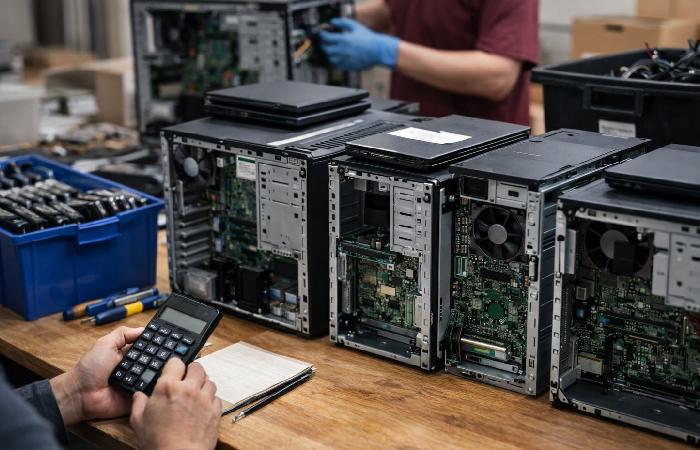
Environmental impact also matters. Extending device life reduces electronic waste, a concern explored in discussions about the dangers of e-waste from technology.
Securely wiping or destroying old drives is essential when you do replace a machine, because mishandled devices can contribute to data breaches and identity theft, which can be far more expensive than the hardware itself.
Common Myths About Computer Repairs
-
“Old computers are useless.” Many remain effective after targeted upgrades.
-
“Repairs never last.” Component-level fixes often restore long-term stability.
-
“New is always cheaper long-term.” Downtime and setup costs are often ignored.
When Repairs Make Sense for Businesses vs Home Users
Home users often prioritise affordability and familiarity, which makes repairs attractive. Businesses must weigh downtime, support agreements and compliance, so replacement can sometimes be the better choice even when a repair is technically possible.
For many organisations, even short outages can be costly, which is why studies on the business impact of IT downtime often recommend planning around recovery time as much as hardware cost.
In some regions, new right‑to‑repair regulations are also nudging manufacturers to keep spare parts, tools and documentation available for longer, which over time should make repairs less risky for both home users and businesses because official components and clear procedures remain accessible instead of vanishing once a warranty ends.
Whichever route you choose, it is worth treating data protection as part of repair value: a very cheap but careless repair that mishandles your logins, files or Wi‑Fi details can end up costing far more than a higher‑quality service that treats security and privacy as part of the job.
How Much Do Computer Repairs Usually Cost?
If you decide to repair your computer, the next question is what common fixes actually cost. Services like virus removal, screen or battery replacement, and data recovery fall into different price bands based on parts, labor, and urgency. Device age, type, and service speed all tilt the final bill: laptops and tablets often cost more than desktops, urgent or onsite jobs add premiums, and in‑warranty devices may be cheaper to fix than out‑of‑warranty systems.
These days, computers are ubiquitous in every industry, and being delicate devices, mainly waterproof computers, they require regular servicing, upgrades, and upkeep to function optimally. In sectors that use rugged or waterproof systems, staying on top of maintenance and timely repairs is essential to keep critical systems running and avoid costly downtime.
On top of that, 2026 has seen some of the sharpest price jumps in memory and storage, so if your existing RAM and SSD are healthy, choosing a repair that keeps those parts in service can be far cheaper than buying a new system that forces you to pay current premium prices for the same capacity.
Frequently Asked Questions
Is repairing a computer usually worth the cost?
Repairing a computer is usually worth it when the repair cost is significantly lower than replacement and the device still meets your performance needs.
Simple fixes like battery, storage, RAM, or screen replacements often extend usable life by several years. If the computer runs modern software smoothly after repair, the value is typically strong. Repairs lose value when multiple components fail or performance remains poor after fixing.
At what point is a computer not worth repairing?
A computer is generally not worth repairing when repair costs exceed 50–60% of the price of a comparable replacement.
Very old systems may struggle with modern software even after repair. Limited upgrade options, outdated processors, or lack of security updates reduce long-term value. In these cases, replacement usually delivers better reliability and support.
How does computer age affect repair value?
Computer age strongly affects repair value because older hardware offers less performance, compatibility, and future support.
Devices under four years old usually benefit most from repairs. Systems older than six to seven years often face declining software support and weaker performance. Age alone is not decisive, but it increases the risk that repairs deliver short-term gains only.
Are laptop repairs less valuable than desktop repairs?
Laptop repairs are often less cost-effective than desktop repairs due to higher labor costs and limited upgrade options.
Many laptop components are soldered or proprietary, raising repair prices. Desktops allow cheaper part replacements and incremental upgrades. Laptop repairs still make sense for recent models or minor issues like batteries or screens.
Does repairing a computer save money in the long run?
Repairing a computer can save money long-term when it delays replacement without increasing ongoing maintenance costs.
Extending a device’s life avoids upfront spending and reduces setup time for new systems. However, repeated repairs or rising downtime quickly erase savings. Long-term value depends on reliability after repair, not just the initial fix.
Is computer repair the right choice for me?
Computer repair is right for you if your device still meets your needs and the fix restores reliability at a reasonable cost.
Users who rely on basic tasks often gain more value from repairs than power users. If your workflow demands speed, security updates, or specialized software, replacement may be the safer choice. Evaluate performance needs before deciding.
Author Bio
This content is written to be practical and easy to understand across topics like health, technology, business, marketing and lifestyle. Each article is based mainly on reputable, publicly available information, with AI tools used only to help research, organise and explain topics more clearly, and the focus stays on clear explanations and real‑world usefulness rather than jargon or unnecessary complexity.
Disclaimer
The information on TechnologyFord is for general informational purposes only and is not a substitute for professional advice. While content is prepared with care using reputable public sources, no guarantees are given about completeness, accuracy, or suitability, and you should always confirm important details with official documentation or qualified professionals before acting on them.