
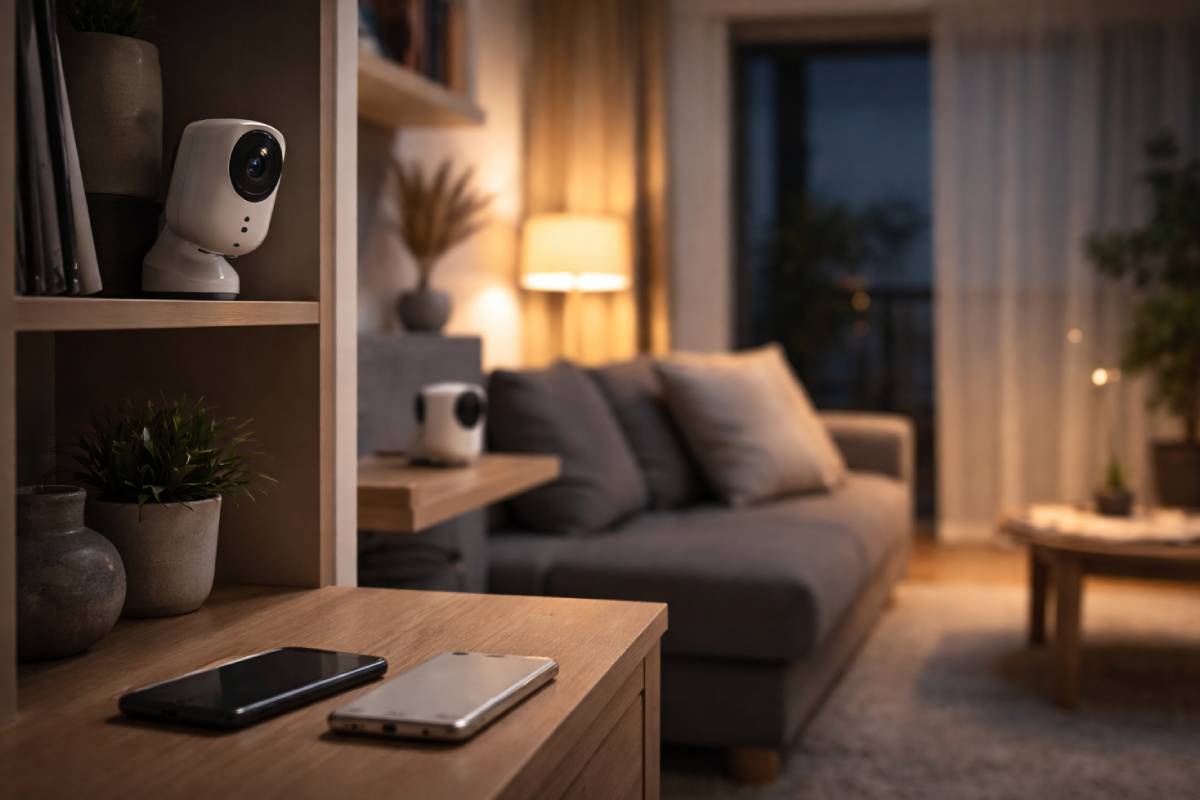
Renting shouldn’t mean choosing between safety and freedom.
Most home security advice assumes you can drill walls, sign long contracts, and trust the cloud forever. Renters don’t live like that.
This guide exists for people who want real protection without monthly fees, systems that still function when Wi-Fi fails, and security that moves with you when your lease ends.
Table of Contents
Quick Answer: What Actually Works for Renters
The fastest, safest choice for renters in 2026 is a battery-powered security system with local storage and no mandatory subscription.
That means:
-
Footage keeps recording even if the internet goes down
-
Core features don’t shut off if you cancel a plan
-
Cameras mount without drilling
-
The system can move with you
If a security system needs a subscription just to save video, it’s not renter-friendly.
Everything below explains how to spot the systems that hold up in real life.
Who This Guide Is For
This guide is for renters who:
-
Live in apartments or leased homes
-
Can’t drill or hard-wire equipment
-
Want predictable costs over several years
-
Care about privacy and data control
This guide is not for homeowners seeking professional monitoring with guaranteed police dispatch.
What “No-Subscription” Really Means in 2026
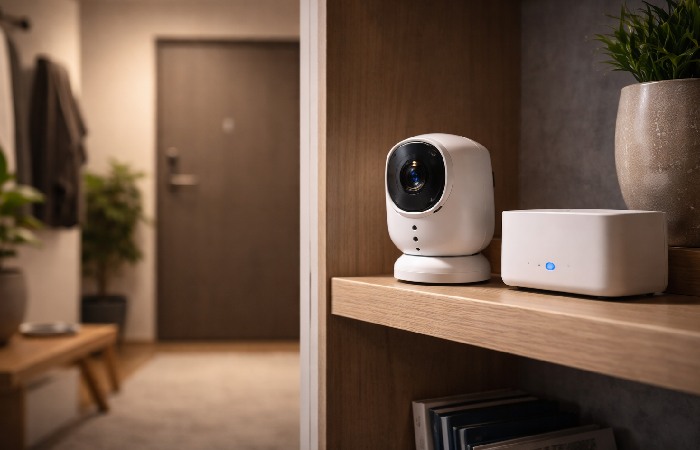
No-subscription does not mean offline or outdated.
It means the system continues to:
-
Record footage
-
Trigger alarms
-
Allow review of past events
…without recurring payments.
The key technical difference is local storage vs cloud dependency.
Systems that rely entirely on cloud storage often stop saving footage when a subscription ends. Systems with local storage keep functioning independently, which aligns with guidance from privacy and security advocates such as the Electronic Frontier Foundation’s analysis of consumer surveillance systems
How to Choose a Renter-Friendly Security System
Installation Reality
Renter-friendly systems rely on:
-
Battery-powered cameras
-
Adhesive or magnetic mounts
-
Removable base stations
If permanent wiring is required, portability is lost.
Internet and Power Outages
Many Wi-Fi cameras stop recording during connectivity loss. Systems with local storage continue capturing footage and sync later.
Standards bodies like the National Institute of Standards and Technology on IoT resilience consistently highlight local fallback capability as a reliability requirement for connected devices.
Total Cost Over Time
Upfront pricing hides long-term costs.
Subscriptions, cloud upgrades, and cellular backups quietly compound. Over three years, subscription-dependent systems often cost more than local-storage alternatives.
36-Month Cost Reality (Typical Renter Setup)
| Cost Component | Local Storage System | Cloud-Only System |
|---|---|---|
| Starter kit | One-time | One-time |
| Monthly fees | ₹0 | Ongoing |
| Video history | Included | Subscription-locked |
| Outage recording | Yes | Often no |
| 3-year predictability | High | Low |
Predictability matters more than headline pricing.
Best No-Subscription Security System for Renters
Eufy Security (Local Storage-First)
Eufy prioritises local control.
Why it works
-
Video stored locally via base station
-
Battery cameras install without drilling
-
Footage remains accessible without a plan
Trade-offs
-
No professional monitoring
-
Fewer automation features than subscription platforms
Who should skip
-
Users needing emergency dispatch services
For renters who want an extra safety net beyond devices, it can also make sense to pair smart home security devices with a broader total home protection plan that helps cover unexpected repair or replacement costs.
Best Choice for Renters Who Move Often
Frequent movers should prioritise:
-
Magnetic or adhesive mounting
-
Fast re-pairing after relocation
-
No dependency on fixed wiring
Systems designed around portability reduce friction, protect deposits, and simplify moves.
What Happens When Things Go Wrong
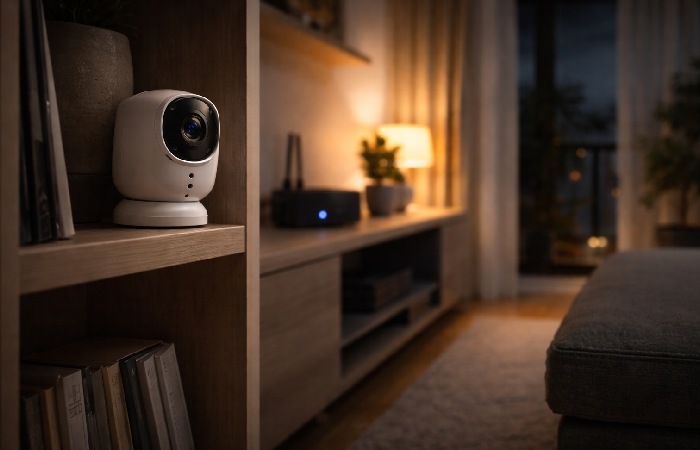
Internet Goes Down
Local-storage systems continue recording. Cloud-only systems may miss events entirely.
Power Is Lost
Battery-powered cameras remain active. Wired cameras require backup power.
Subscription Ends
Local systems retain history. Cloud-locked systems may lose access to recordings or alerts.
These failure modes are rarely emphasised in mainstream reviews but matter most in real use.
Privacy and Footage Control
Local storage keeps footage under user control. Cloud-stored video introduces dependency on provider policies and third-party access rules.
Consumer advocacy organisations like the Electronic Frontier Foundation consistently warn that cloud‑based surveillance expands exposure beyond the home.
For renters sharing buildings and networks, limiting unnecessary cloud exposure is a practical privacy choice.
Practical Renter Considerations
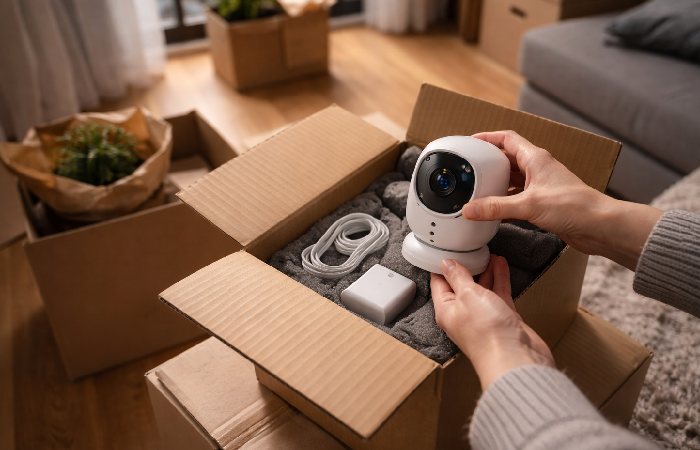
Security should move with you.
Systems that detach cleanly reduce reinstallation costs and long‑term hassle. Durability and longevity matter as much as features, so prioritise smart home security devices with proven build quality and real‑world stress testing rather than unrelated gadget durability reviews.
Frequently Asked Questions
Do no-subscription systems still send alerts?
Some do, others restrict alerts. Always confirm notification behaviour without payment.
Are wireless systems reliable?
Reliability depends on battery management, placement, and local recording capability.
Can renters install these without tools?
Most renter-friendly systems use adhesive or magnetic mounts and require no drilling.
Final Takeaway
For renters, real security is not about flashy apps.
It’s about systems that:
-
Keep recording without subscriptions
-
Function during outages
-
Respect privacy
-
Move when you do
Local-storage, renter-friendly security systems meet those needs better than subscription-locked alternatives.
Author Bio
Technologyford content is written to be practical and easy to understand across topics like health, technology, business, marketing and lifestyle. Each article is based mainly on reputable, publicly available information, with AI tools used only to help research, organise and explain topics more clearly, and the focus stays on clear explanations and real‑world usefulness rather than jargon or unnecessary complexity.
Methodology: Technologyford created this guide using information available from product documentation, manufacturer specifications, and publicly available expert guidance on smart home security, privacy, and device safety.
Disclaimer: This guide is for informational purposes only and does not constitute professional security, legal, or financial advice. Users should evaluate their own needs and consult qualified professionals where appropriate.