
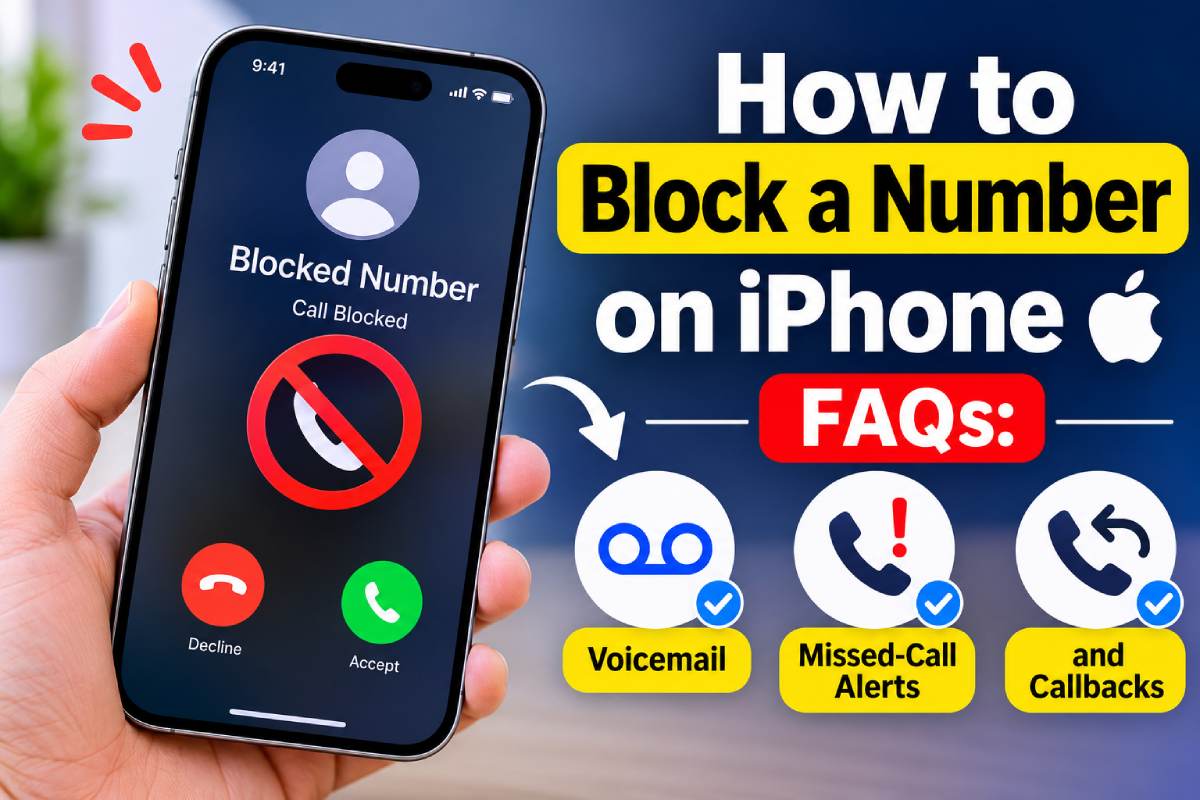
You recognize the number before you even answer. Again? The same caller has interrupted your morning, disturbed your lunch, and somehow made it onto your evening schedule. Enough is enough. You block the number, toss your phone onto the couch, and enjoy the silence.
Then a voicemail appears. So much for getting rid of them.
Blocking someone on an iPhone is straightforward, but what happens afterward isn’t always obvious. Can they still leave messages? Will their calls appear in your missed-call history? And can you accidentally call someone you’ve blocked? Let’s clear up these common questions before another unwanted number ruins your afternoon.
Table of Contents
1. How Do You Block a Number Without Digging Through Settings?
Apple makes blocking individual callers relatively painless. You don’t need another application or a complicated setup.
Here’s what to do:
- Open the Phone app.
- Find the unwanted number under Recents or Calls.
- Tap the information icon beside the number.
- Scroll down and select Block Caller or Block Contact, depending on your iOS version.
- Confirm your selection if prompted.
You can also block saved contacts through the Contacts list or manage existing blocked numbers through your iPhone settings.
Once blocked, the caller won’t receive a notification announcing that you’ve restricted them. Apple’s blocking feature also applies across supported communication services, including Phone, FaceTime, and Messages. A quiet solution to a noisy problem.
2. Can Someone You Block Still Leave a Voicemail?
Here’s the catch: yes, blocked callers may still leave voicemail messages. Apple’s blocking feature prevents ordinary incoming call notifications, but it doesn’t necessarily stop someone from reaching your voicemail system. Messages from blocked callers are placed in a separate section, and your iPhone won’t send a notification when they arrive.
That means someone you’ve blocked could still leave a message without interrupting your day with a ringing phone.
If you need to check whether an important message has arrived, review your voicemail settings and blocked-message section. Your mobile carrier may also offer additional controls for managing unwanted voicemail activity.
3. Will Blocked Numbers Show Up in Missed Calls?
Generally, no. Calls from blocked numbers won’t appear as ordinary missed calls in your recent call history, and your iPhone won’t produce the usual incoming-call alert.
However, there’s a difference between blocking one specific number and managing calls from everyone outside your contact list.
Apple offers separate options for screening or silencing unknown callers. Depending on your configuration, unfamiliar numbers may be screened or directed to voicemail instead of ringing normally. You can explore these features under Settings > Apps > Phone. Apple’s official iPhone call-screening guide explains the available options.
4. Can You Call Someone You’ve Already Blocked?
Surprisingly, yes. Blocking a number doesn’t prevent you from making an outgoing call to that person.
The restriction controls incoming communication from the blocked number. You can still contact them yourself without removing them from your blocked list.
Changed your mind? Open your blocked contacts list, locate the number, and select the option to unblock it. No complicated workaround. Just remember that blocking someone doesn’t automatically prevent you from reaching out.
5. Should You Use an App for Block Calls?
Blocking individual numbers works well when one persistent caller keeps bothering you. But what happens when unwanted calls arrive from dozens of different numbers?
Manually blocking every new caller gets tedious. Depending on your device and the application used, you might find extra features with a dedicated blocked call app. Features such as:
- Spam identification: Alerts for phone numbers that have been marked as junk calls.
- Automatic filtering: Automatically block or silence suspicious numbers.
- Custom block lists: Block certain numbers.
- Caller information: Extra information about the caller.
Make sure the app is compatible with your device, has good privacy, doesn’t ask for unnecessary permissions, and isn’t too expensive to subscribe to. You cannot guarantee that an app will pick up all of the unwanted callers.
If you’re looking for more practical advice on how to block a number on iPhone, explore additional ways to manage unwanted calls and improve your filtering settings.
Take Back Control of Your Phone
Blocking a number is easy. Understanding what happens afterward is where things get interesting.
Blocked callers may still leave voicemail, their calls generally won’t appear as ordinary missed calls, and you can still call them yourself. Apple’s built-in controls handle individual numbers, while additional filtering tools may help when unwanted calls become a regular nuisance.
Your phone should work around your life, not the other way around. And frankly, you deserve better than spending another afternoon negotiating with an unwanted caller.